Starlink gaming & TV · US homes · every figure dated
Starlink for gaming and TV: the ping, the NAT type and the bill
Starlink gaming and Starlink TV, sorted from published figures: latency as Starlink and Ookla report it, each with its date, what your console’s NAT screen is likely to show, and how to move cable or satellite TV to streaming over the dish. The limits come before any link.
New to Starlink and ordering anyway? See how our $100 referral link works ↓
Living-room scoreboardChecked Nov 3, 2026
- Ookla median latency, US
- 39 ms Ookla, measured on users’ devices, Q1 2026 (report dated May 5, 2026)
- Typical latency, FCC label
- 25–50 ms Starlink’s Residential broadband label, continental US
- Geostationary satellite
- 674 ms Hughesnet median in the same Ookla report; Viasat 750 ms
- Home-plan IPv4
- Shared No inbound IPv4; native IPv6 on every plan
- Data on Residential
- Unlimited
- Live TV streaming
- $82.99/mo YouTube TV main plan, as listed Nov 3, 2026
Figures from Starlink and Ookla, not our own tests. Your game’s meter adds the trip to its server, so it can read higher. Sources are at the foot of this page.
Start here
What are you here to sort out?

I game online
Shooters, sports, MMOs, cloud gaming: what plays well over satellite, what needs care, and how to set up the console.

I want TV without cable or a dish contract
Starlink has no TV service. Here’s how US households get live channels, locals and sports over it, and what it costs.
Scorecard
How does Starlink score for games and TV?
Plays well, with known catches
Ping sits in the tens of milliseconds, not the half-second of older satellite internet. Expect occasional short spikes, and a stricter NAT type in some peer-to-peer games.
The gaming verdictStream it, or add an antenna
No channels come with Starlink. Live-TV apps replace the cable box; an antenna gets locals with no data used. Some apps may place you in the wrong local market.
How to watch TVFiber or cable reaches you
A wired line is usually lower, steadier ping and no shared-IPv4 limits. Also skip it if you host game servers, or if this is a stopgap for a few months.
Rural options for gaming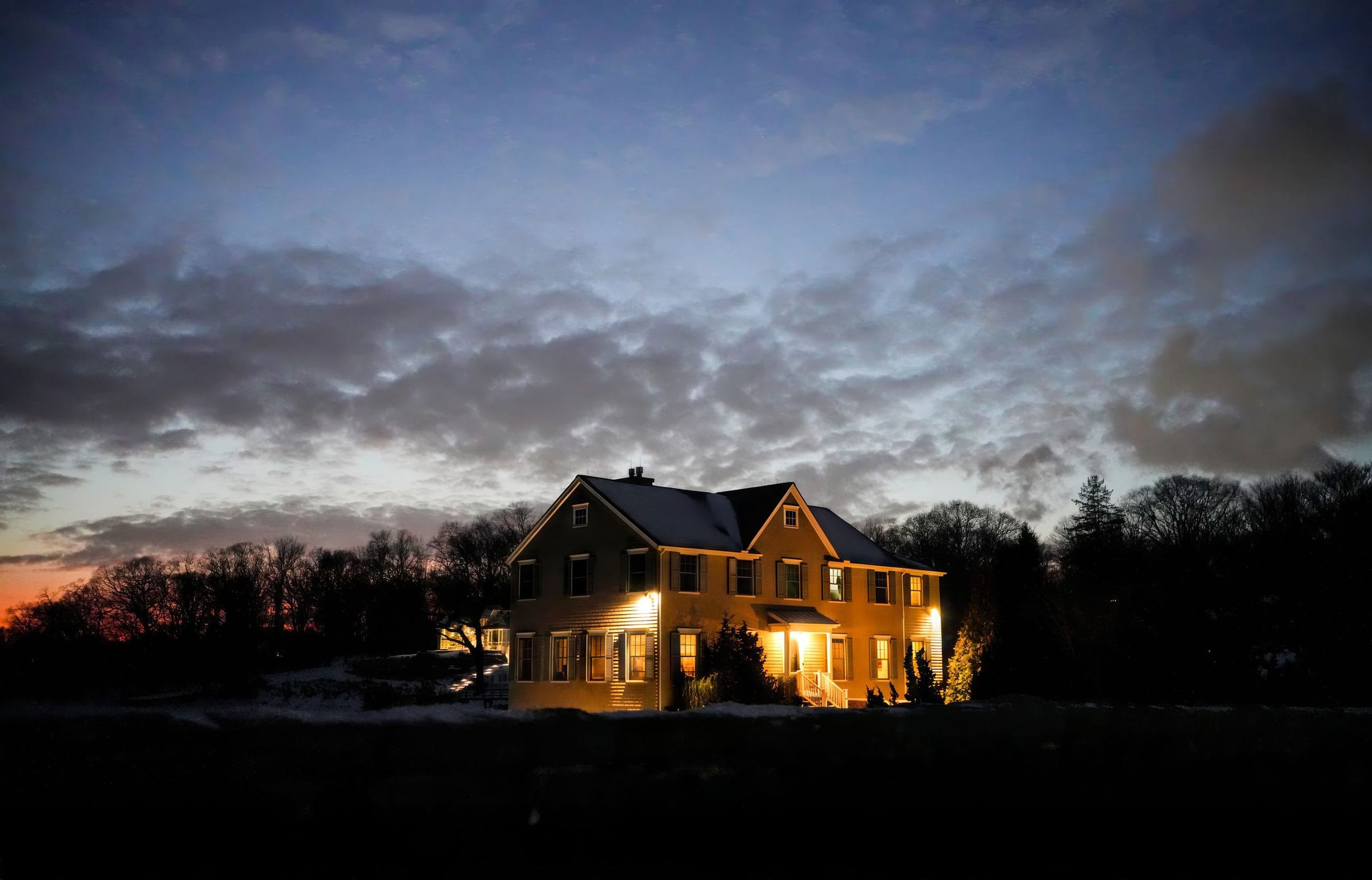
For the homes cable never reached: game night and the evening news, over a dish on the roof.
What ping does Starlink get for gaming?
Ookla measured a US median latency of 39 ms for Starlink in Q1 2026, in a report dated May 5, 2026, against 674 ms for Hughesnet and 750 ms for Viasat. Starlink’s FCC broadband label calls 25 ms to 50 ms typical in the continental US, and Starlink says fewer than 1% of its US readings top 55 ms. A game’s meter adds the trip to its server, so it can read higher.
That gap is the whole story for rural players: geostationary satellite internet sits in the hundreds of milliseconds, Starlink in the tens.
| Connection | Latency | Who measured it |
|---|---|---|
| Starlink | 39 ms | Ookla, US median, Q1 2026 |
| Starlink | 25–50 ms | Starlink’s FCC label, typical, continental US |
| Hughesnet | 674 ms | Ookla, US median, Q1 2026 |
| Viasat | 750 ms | Ookla, US median, Q1 2026 |
Does Starlink come with TV channels?
No. Starlink sells internet only: its US support pages, read Nov 3, 2026, describe no TV service or bundle. Households watch live TV over it with a streaming service (YouTube TV’s main plan was listed at $82.99/mo on Nov 3, 2026), pick up local stations with an antenna that has no monthly fee, or keep a satellite TV package alongside the dish.
So the swap is internet from the dish, channels from an app or an antenna. Satellite TV for comparison: DISH America’s Top 120 was listed at $94.99/mo and DIRECTV’s ENTERTAINMENT satellite package at $104.99/mo with its TV Access Fee, both on Nov 3, 2026 and both with two-year terms.
Put your own bill into the calculator before you cancel anything; contract fees can change the math.
Which guide fits your problem?
Ping for games
Published numbers, and why your game shows more.
ReadNAT type on consoles
Open, Moderate, Strict; Type 1–3; A–F, decoded.
ReadXbox, PS5 & Switch setup
Which router you get and how to wire it.
ReadCloud gaming
GeForce NOW, Xbox Cloud and PS Plus limits.
ReadLive TV services compared
Prices, streams and locals, dated.
ReadWrong local channels?
Why it happens on Starlink, and the fixes.
ReadWhere does Starlink fall short for gamers and cord-cutters?
Four places, going by Starlink’s support pages pulled Nov 3, 2026: home plans share IPv4 addresses and block incoming IPv4 connections, which hurts hosting and some peer-to-peer games; the dish’s satellite switches and any blocked sky cause short spikes; evenings from 6 pm to 11 pm are busiest, worst on the lower plans; and its IP location can put live-TV apps in the wrong market.
The four limits, in Starlink’s terms
- Shared IPv4. On its default IPv4 setting, Starlink puts customers behind carrier-grade NAT (CGNAT) using shared addresses from 100.64.0.0/10, so your router does not get its own public IPv4 address; it allows no inbound IPv4 connections, so nobody on the internet can open a connection to a console or PC at home over IPv4. A public IPv4 address is only offered on Priority plans.
- Spikes. The dish switches satellites many times a minute, and an obstruction that stays in its view causes short outages and dropped packets.
- Evenings. Starlink's help center defines peak hours as 6 pm to 11 pm local time, when speeds can be slower. Residential Max outranks the 100 and 200 Mbps Residential tiers, so homes on those two are likelier to slow down on a congested network.
- Local TV. Starlink says its IP geolocation can be several states away from your real location, which can confuse live-TV apps about your market.
Sit this one out if…
- fiber or cable already reaches the house: for online play a wired line is normally the lower-ping pick
- you run game servers or need an open NAT in every title: home plans sit behind shared IPv4 addresses (see NAT type)
- the plan is a few months of internet, one tournament weekend or a single trip
- you’d keep it only if month one is flawless: Starlink’s referral terms are written for customers who intend to stay, so make the call before ordering
Before you order: three more answers
What are the catches for gamers on Starlink?
Three: short ping spikes, shared IPv4 addresses that some consoles read as a stricter NAT, and a dish that needs open sky. The baseline is fine for most games: Ookla measured a US median latency of 39 ms for Starlink in Q1 2026, and Starlink’s FCC label lists 25 ms to 50 ms as typical in the continental US. The full verdict.
Is there a data limit for gaming and streaming at home?
Starlink’s Residential plans come with unlimited data, so game downloads and 4K streaming don’t count against a cap. Travel plans are different.
Who runs this site?
Starlink Gaming USA, a small site run on its own from the US. SpaceX and Starlink have no part in it. When a first-time US customer orders Starlink through the owner’s link, the site earns a referral reward. How we make money.
Every figure on this page, with its source
- Starlink’s July 2025 network post (looked up Nov 3, 2026)
- Starlink FCC broadband label, Residential (looked up Nov 3, 2026)
- Ookla report on US Starlink (May 2026) (looked up Nov 3, 2026)
- Starlink support: IP address types (looked up Nov 3, 2026)
- Starlink support: evening and peak-hour speeds (looked up Nov 3, 2026)
- Starlink support: what obstructions do (looked up Nov 3, 2026)
- Starlink order data: US Residential plans (looked up Nov 3, 2026)
- Starlink US service plan descriptions (looked up Nov 3, 2026)
- Starlink help-center search (US) (looked up Nov 3, 2026)
- Netflix Help: speed advice (looked up Nov 3, 2026)
- YouTube TV: plans page (looked up Nov 3, 2026)
- DISH: TV packages (looked up Nov 3, 2026)
- DIRECTV: satellite packages (looked up Nov 3, 2026)
- Starlink support: wrong IP location (looked up Nov 3, 2026)
Every figure keeps the date we last looked it up; our fact rules say how. When one turns out wrong or stale, the fix is dated on the corrections page.